
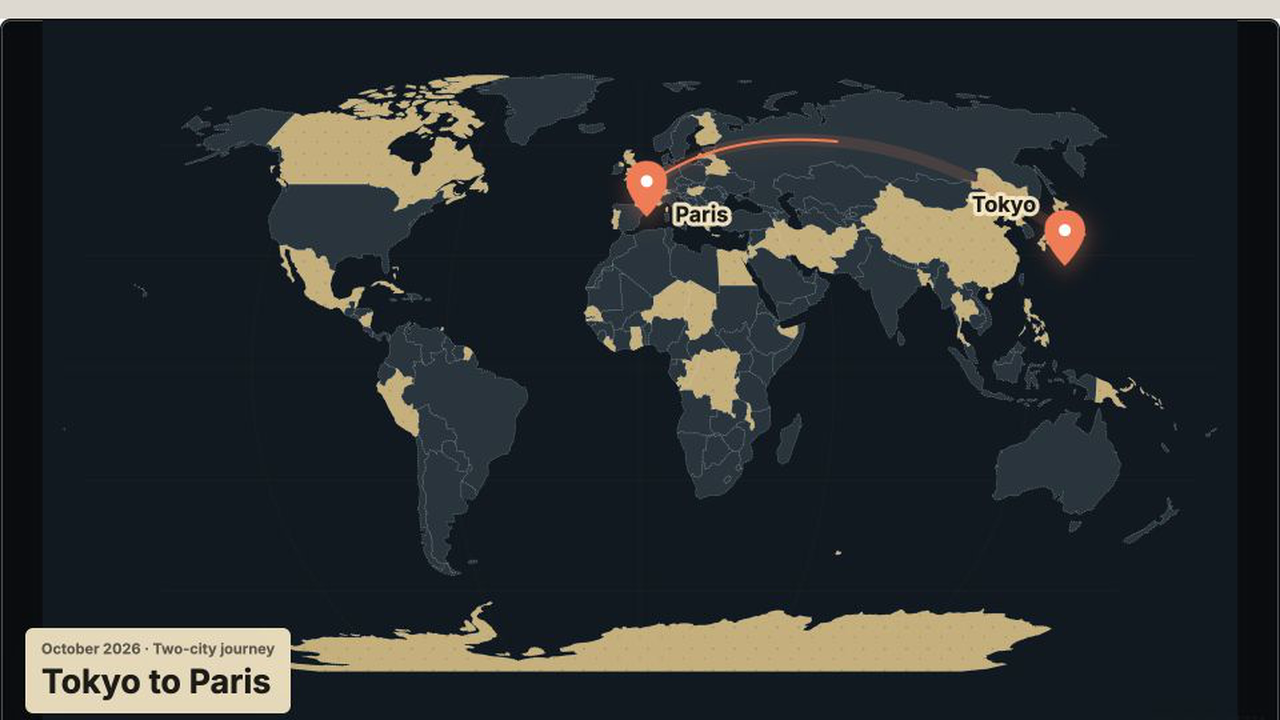
A real 16:9 map export showing a long-distance route, both cities, and trip context.
Use case · real output
Travel Route Video Maker
Animate routes, destinations, place names, and dates for travel stories and city guides.
Built for Travel creators, tourism teams, and documentary editors.Real MP4 exportA Tokyo-to-Paris travel route16:9 · 24 FPS · Built in TypeMotion.Art
Open the real editorThe actual brief
The content behind this export
This is the exact copy, format, and production choice used to generate the MP4 above—not placeholder text.
slide motion · editorial typography
Workflow
A production plan tied to this deliverable
- 01
Choose a route, pin, or destination layout.
- 02
Enter the places in story order.
- 03
Pair the map with a location tag or documentary opener.
Recommended tools
Build the complete graphics system
ToolAnimated Map Maker
Animated map templates for travel routes, location pins, highlighted regions, ranked destinations, and map tours.
ToolVideo Motion Graphics TemplatesReady-to-use openers, captions, lower thirds, data callouts, promos, and end cards organized by video purpose.
ToolKinetic Typography TemplatesCustomizable kinetic typography templates for reveals, glitches, scrolling text, countdowns, and feature lists.
Start from a template
Templates that support this production
Open the actual SaaS workspace to customize the content, style, motion, and export settings.
Animated MapsMulti-Stop Flight Route
Multi-Stop Flight Route is a customizable animated maps template. Edit the text, colors, motion, size, and export settings directly in your browser.
Animated MapsRoute RevealRoute Reveal is a customizable animated maps template. Edit the text, colors, motion, size, and export settings directly in your browser.
Animated MapsZoom TourZoom Tour is a customizable animated maps template. Edit the text, colors, motion, size, and export settings directly in your browser.
Video CreatorPlace and Time TagPlace and Time Tag is a customizable video creator template. Edit the text, colors, motion, size, and export settings directly in your browser.
Video CreatorVlog Place and Date OpenerVlog Place and Date Opener is a customizable video creator template. Edit the text, colors, motion, size, and export settings directly in your browser.
Output and workspace
The real exported frame and the real editor
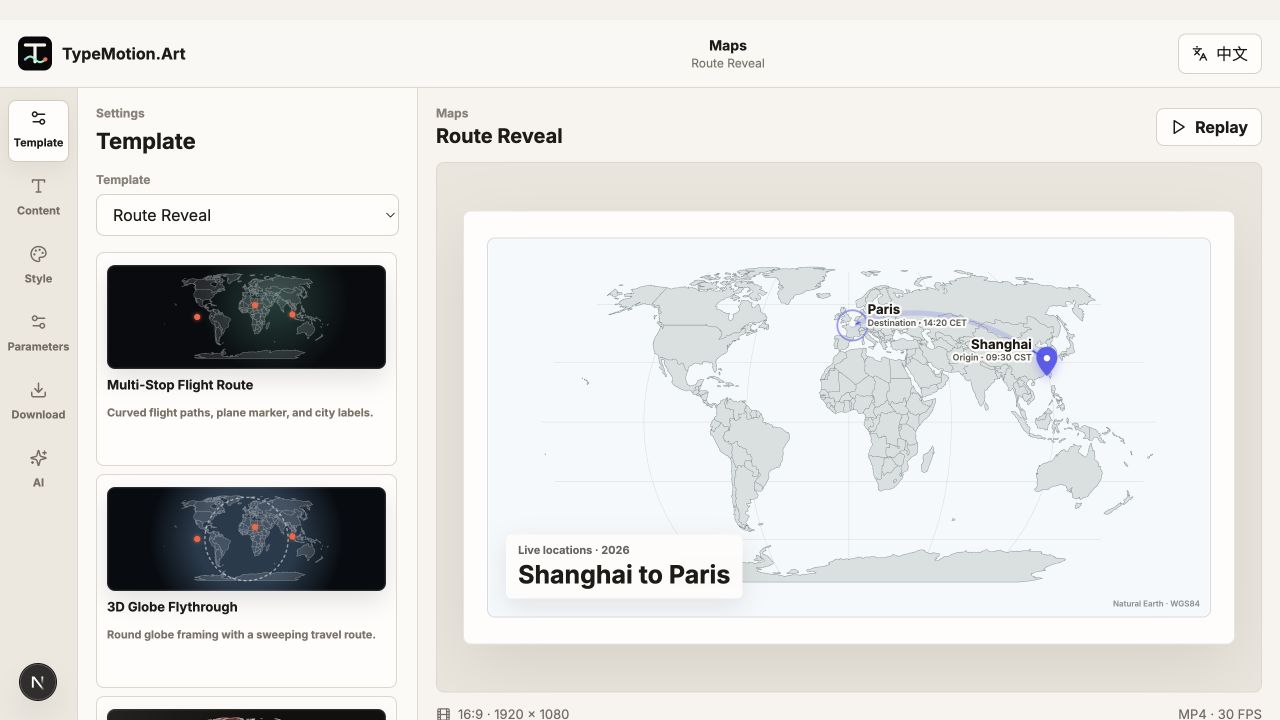
The left image is rendered from the project above. The right image is an unaltered screenshot of the current TypeMotion.Art workspace.
Learn