
TypeMotion.Art
Guide · real product workflow

How to Create an Animated Map Route

Create a route animation with clear geography, labels, pacing, and supporting location graphics.

Open Animated Map Maker
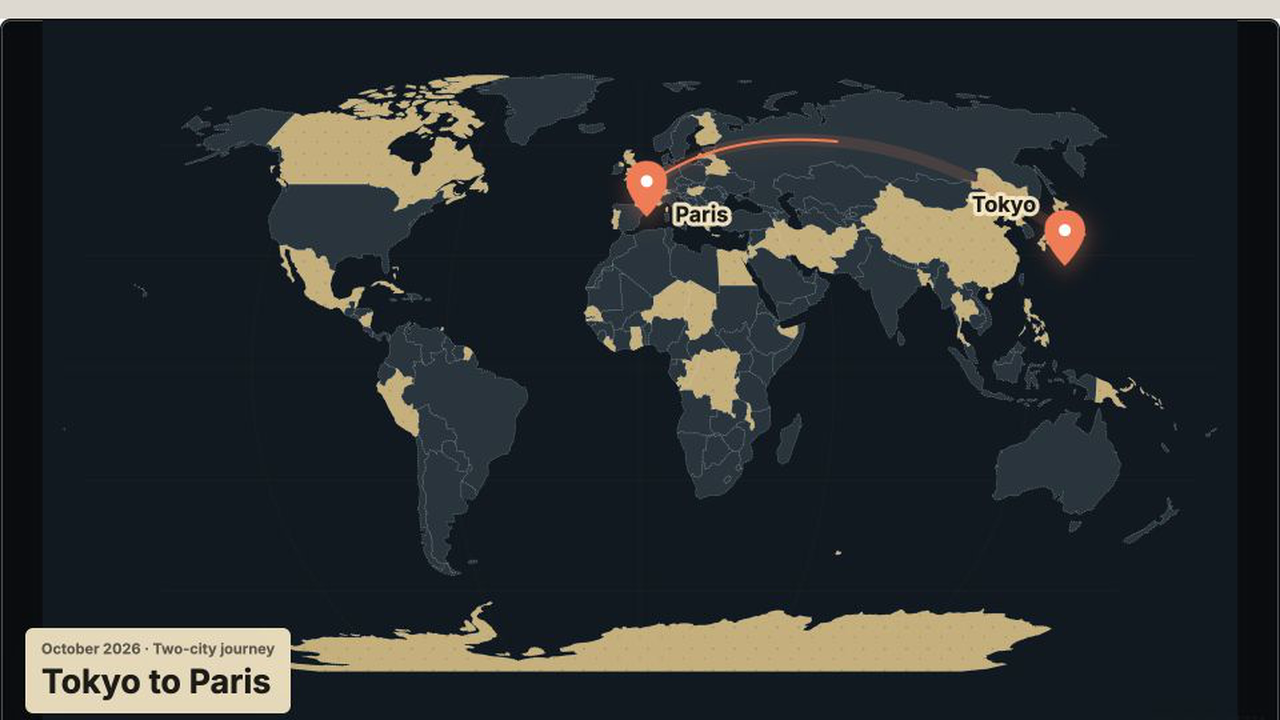
Real MP4 exportA Tokyo-to-Paris travel route16:9 · 24 FPS · Built in TypeMotion.Art
Open the real editor
01

Define the geographic story

List the start, end, and only the intermediate stops needed for the story. A clean two-point route is often stronger than a map crowded with every location.
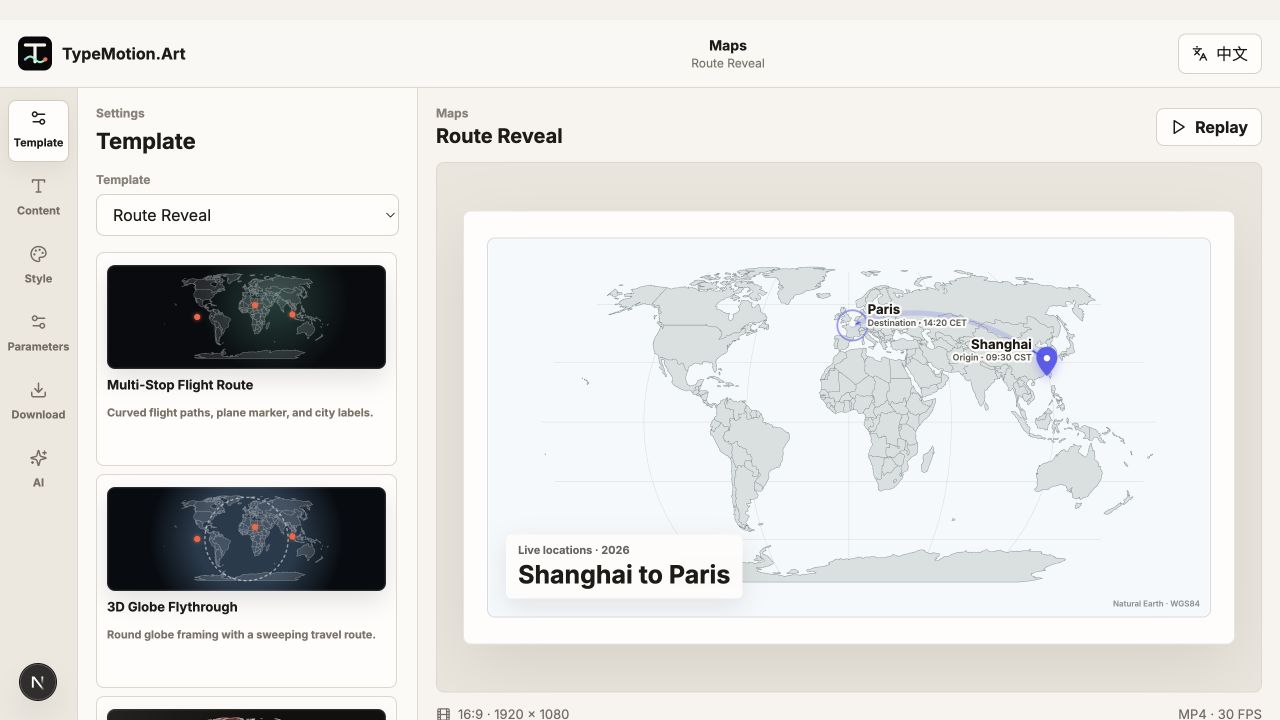
Define the geographic story shown in the TypeMotion.Art Animated Maps editor
Actual product UIRoute RevealActual TypeMotion.Art editor screenshot
02

Match camera movement to distance

Use a stable map for local routes and a globe or zoom tour for long-distance travel. Reveal labels shortly before or as the route reaches each place.

Match camera movement to distance shown in the TypeMotion.Art Animated Maps editor
Actual product UIMulti-Stop Flight RouteActual TypeMotion.Art editor screenshot
03

Add context outside the map

Pair the route with a place-and-time tag, title, or short caption. Keep these elements visually separate from map labels so viewers can distinguish story context from geography.
Add context outside the map shown in the TypeMotion.Art Animated Maps editor
Actual product UIZoom TourActual TypeMotion.Art editor screenshot
Try it

Templates used in this guide

Each link opens the working SaaS editor rather than a decorative demo card.

Finished result

A real export built with this workflow

A Tokyo-to-Paris travel route exported frame
Exported video frameA Tokyo-to-Paris travel route16:9 · flight-route
Apply the workflow

Related use cases