
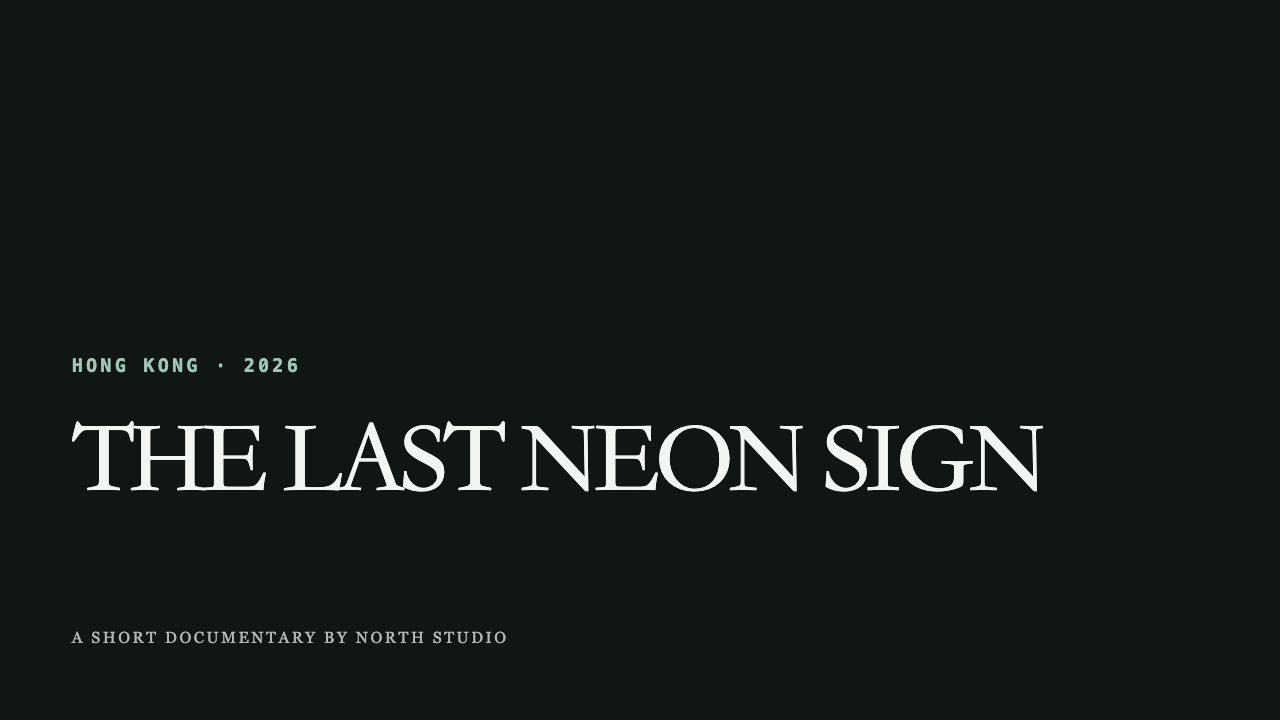
A real 16:9 export establishing subject, location, year, and production credit.
Use case · real output
Documentary Motion Graphics
Add restrained titles, location context, sources, timelines, and data to documentary footage.
Built for Documentary filmmakers, journalists, and editorial video teams.Real MP4 exportA restrained documentary opener16:9 · 24 FPS · Built in TypeMotion.Art
Open the real editorThe actual brief
The content behind this export
This is the exact copy, format, and production choice used to generate the MP4 above—not placeholder text.
blur motion · editorial typography
Workflow
A production plan tied to this deliverable
- 01
Establish place and subject with a restrained opener.
- 02
Identify people and sources without covering the footage.
- 03
Use timelines and maps only where they advance the story.
Recommended tools
Build the complete graphics system
ToolVideo Motion Graphics Templates
Ready-to-use openers, captions, lower thirds, data callouts, promos, and end cards organized by video purpose.
ToolAnimated Map MakerAnimated map templates for travel routes, location pins, highlighted regions, ranked destinations, and map tours.
ToolAnimated Diagram MakerAnimated mind maps, flowcharts, timelines, swimlanes, integration flows, and organization charts.
ToolAnimated Title and Lower Third MakerAnimated titles, lower thirds, stamps, and kinetic title stacks for videos and presentations.
Start from a template
Templates that support this production
Open the actual SaaS workspace to customize the content, style, motion, and export settings.
Video CreatorDocumentary Opener
Documentary Opener is a customizable video creator template. Edit the text, colors, motion, size, and export settings directly in your browser.
Video CreatorNews Guest IDNews Guest ID is a customizable video creator template. Edit the text, colors, motion, size, and export settings directly in your browser.
Video CreatorSource CitationSource Citation is a customizable video creator template. Edit the text, colors, motion, size, and export settings directly in your browser.
Animated MapsState HighlightState Highlight is a customizable animated maps template. Edit the text, colors, motion, size, and export settings directly in your browser.
DiagramsTimeline StepsTimeline Steps is a customizable diagrams template. Edit the text, colors, motion, size, and export settings directly in your browser.
Output and workspace
The real exported frame and the real editor
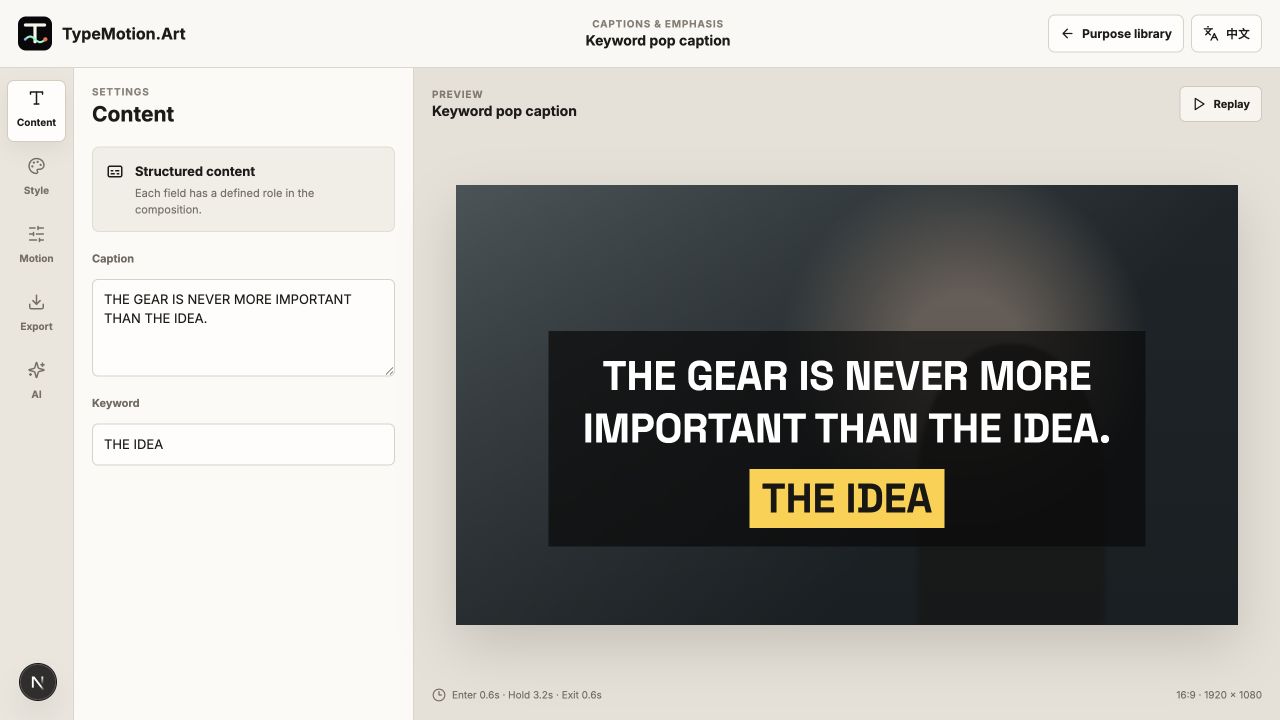
The left image is rendered from the project above. The right image is an unaltered screenshot of the current TypeMotion.Art workspace.
Learn
Guides for this workflow
GuideHow to Create Lower Thirds
Design lower thirds that identify people and context without competing with the footage.
GuideHow to Create an Animated Map RouteCreate a route animation with clear geography, labels, pacing, and supporting location graphics.
GuideVideo Title Safe Area GuideKeep titles, captions, and lower thirds readable across players, mobile interfaces, and cropped layouts.