
TypeMotion.Art
Guide · real product workflow

Video Title Safe Area Guide

Keep titles, captions, and lower thirds readable across players, mobile interfaces, and cropped layouts.

Open Animated Title and Lower Third Maker
Real MP4 exportA vertical talking-head caption9:16 · 24 FPS · Built in TypeMotion.Art
Open the real editor
01

Protect the outer edges

Keep essential text and logos away from the frame edge. Social apps overlay controls, captions, profile information, and calls to action in these regions.
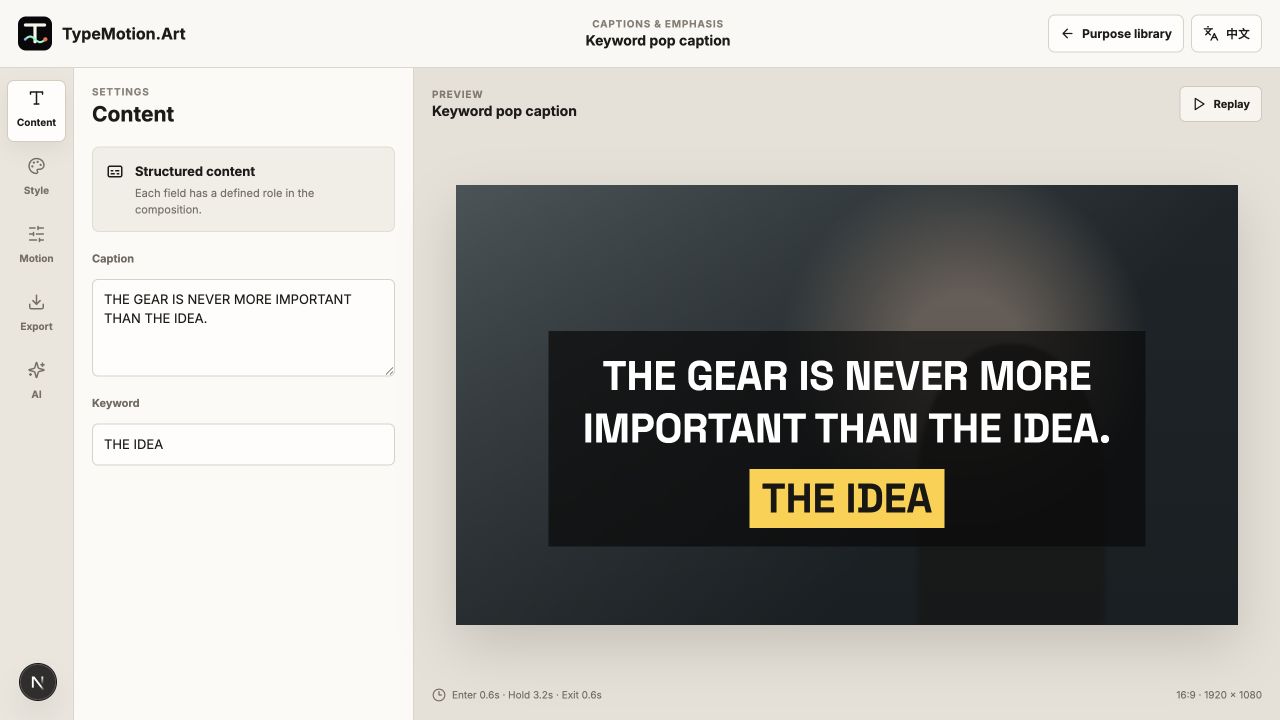
Protect the outer edges shown in the TypeMotion.Art Video Creator editor
Actual product UIKeyword Pop CaptionActual TypeMotion.Art editor screenshot
02

Test at the final viewing size

A title that looks comfortable on a desktop canvas may be too small on a phone. Preview the export at actual size and check contrast against the busiest frame.

Test at the final viewing size shown in the TypeMotion.Art Video Creator editor
Actual product UICreator Lower ThirdActual TypeMotion.Art editor screenshot
03

Treat each aspect ratio as a layout

Do not simply crop a 16:9 composition into 9:16. Reposition text, shorten line lengths, and verify that captions do not collide with platform interface elements.
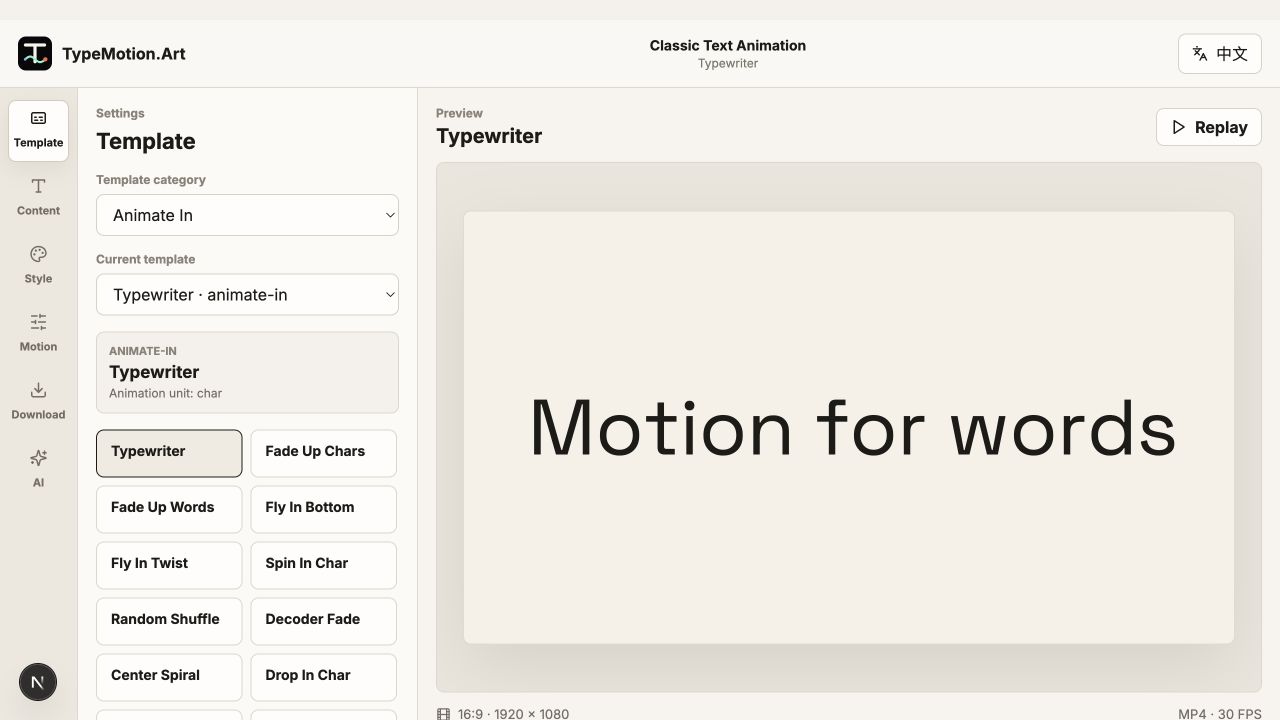
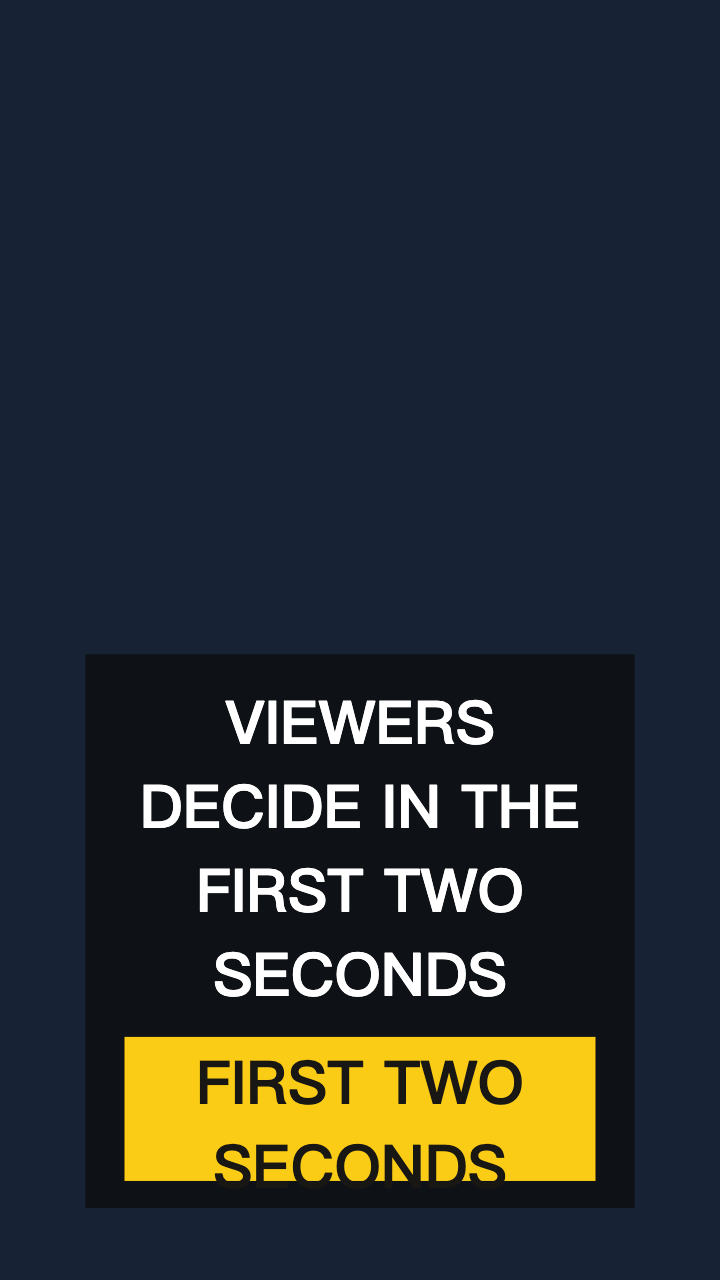
Treat each aspect ratio as a layout shown in the TypeMotion.Art Titles editor
Actual product UISplit TitleActual TypeMotion.Art editor screenshot
Try it

Templates used in this guide

Each link opens the working SaaS editor rather than a decorative demo card.

Finished result

A real export built with this workflow

A vertical talking-head caption exported frame
Exported video frameA vertical talking-head caption9:16 · keyword-caption
Apply the workflow

Related use cases