
TypeMotion.Art
Guide · real product workflow

16:9 vs 9:16 Video Size

Choose landscape, vertical, square, or social video dimensions based on where and how people will watch.

Open Video Motion Graphics Templates
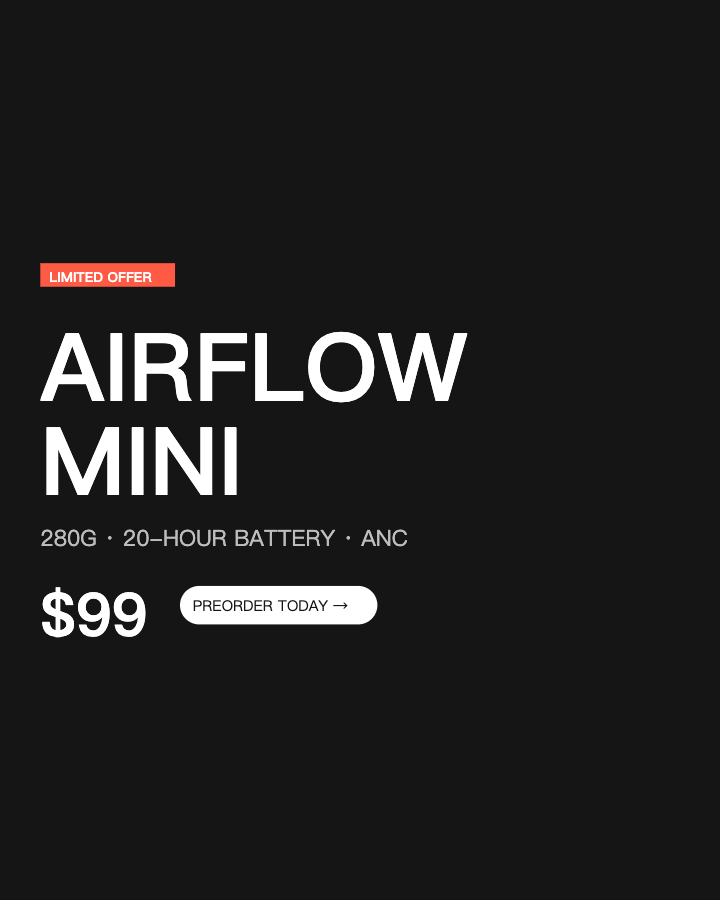
Real MP4 exportA focused product launch card4:5 · 24 FPS · Built in TypeMotion.Art
Open the real editor
01

Use 16:9 for landscape viewing

Landscape works for YouTube, presentations, courses, and footage where the environment matters. It provides room for side-by-side layouts, charts, and lower thirds.
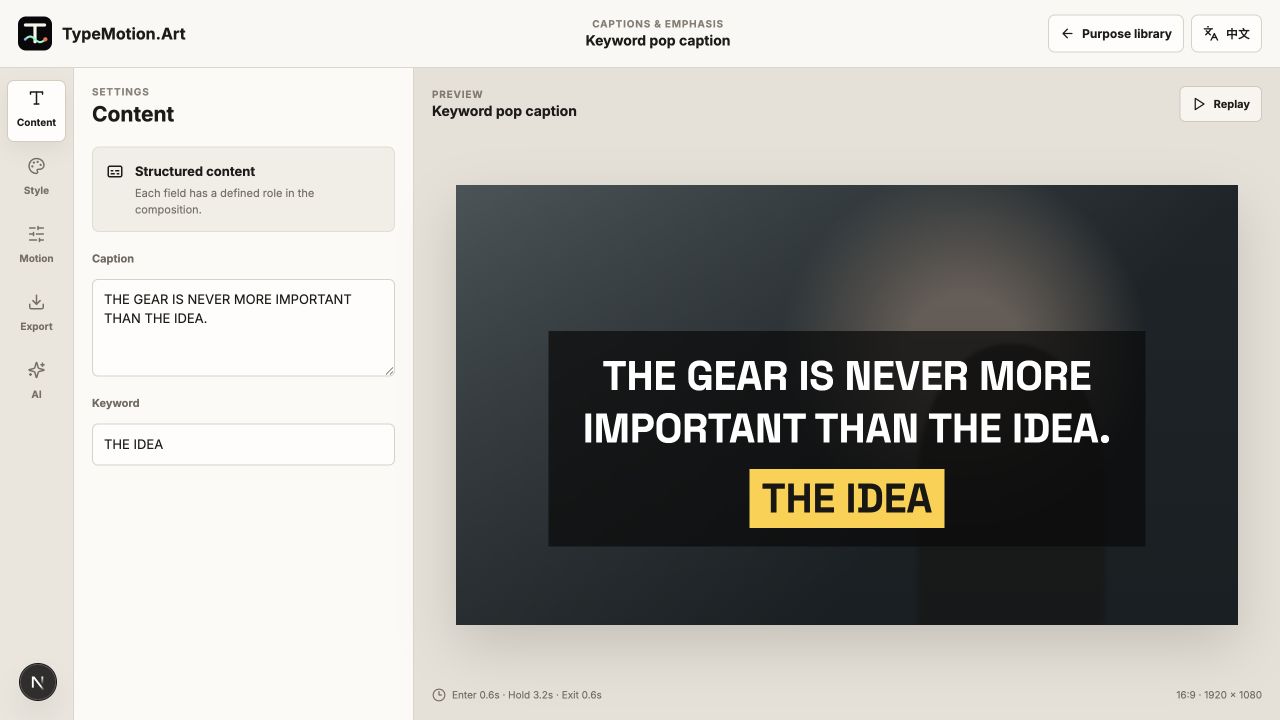
Use 16:9 for landscape viewing shown in the TypeMotion.Art Video Creator editor
Actual product UIVlog Place and Date OpenerActual TypeMotion.Art editor screenshot
02

Use 9:16 for phone-first distribution

Vertical video fills a phone screen and suits reels, shorts, and stories. Use shorter lines, larger type, and stronger vertical spacing.

Use 9:16 for phone-first distribution shown in the TypeMotion.Art Video Creator editor
Actual product UIWord By Word CaptionActual TypeMotion.Art editor screenshot
03

Recompose instead of cropping

Move important elements into the new safe area, resize the type, and check the complete animation in every target format. One motion system can remain consistent while the layout changes.
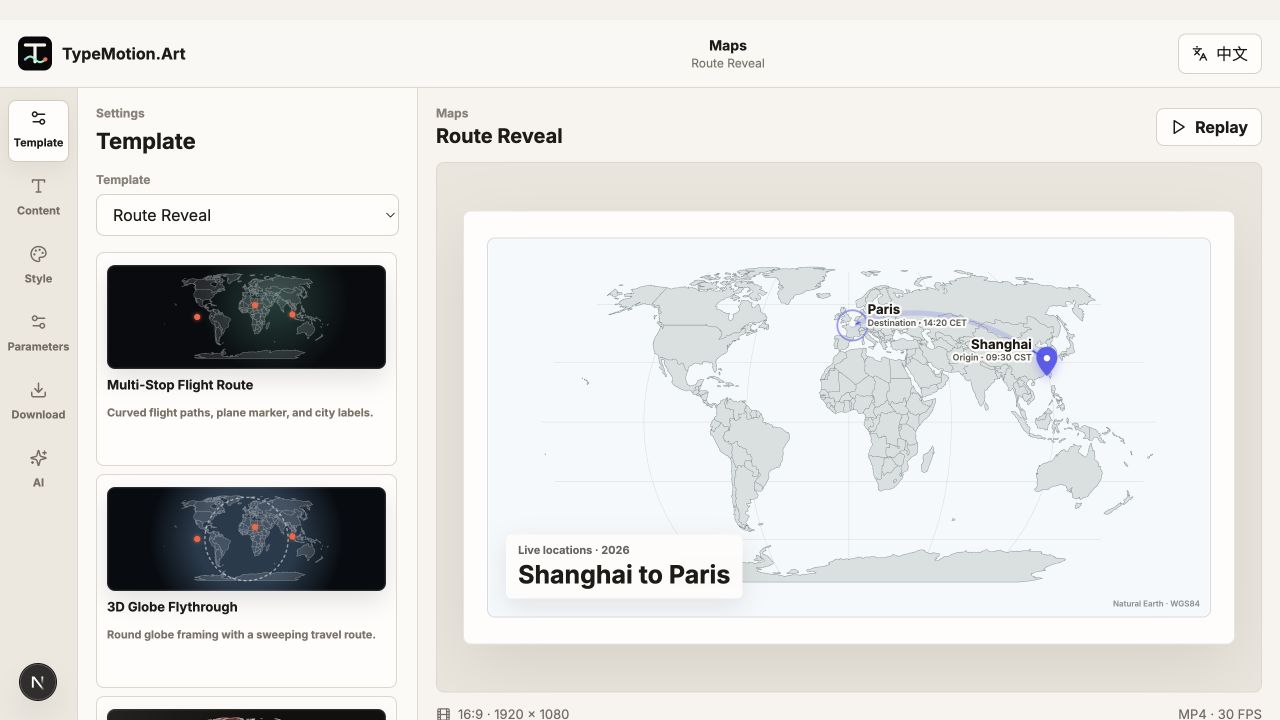
Recompose instead of cropping shown in the TypeMotion.Art Animated Maps editor
Actual product UIRoute RevealActual TypeMotion.Art editor screenshot
Try it

Templates used in this guide

Each link opens the working SaaS editor rather than a decorative demo card.

Finished result

A real export built with this workflow

A focused product launch card exported frame
Exported video frameA focused product launch card4:5 · product-offer
Apply the workflow

Related use cases