
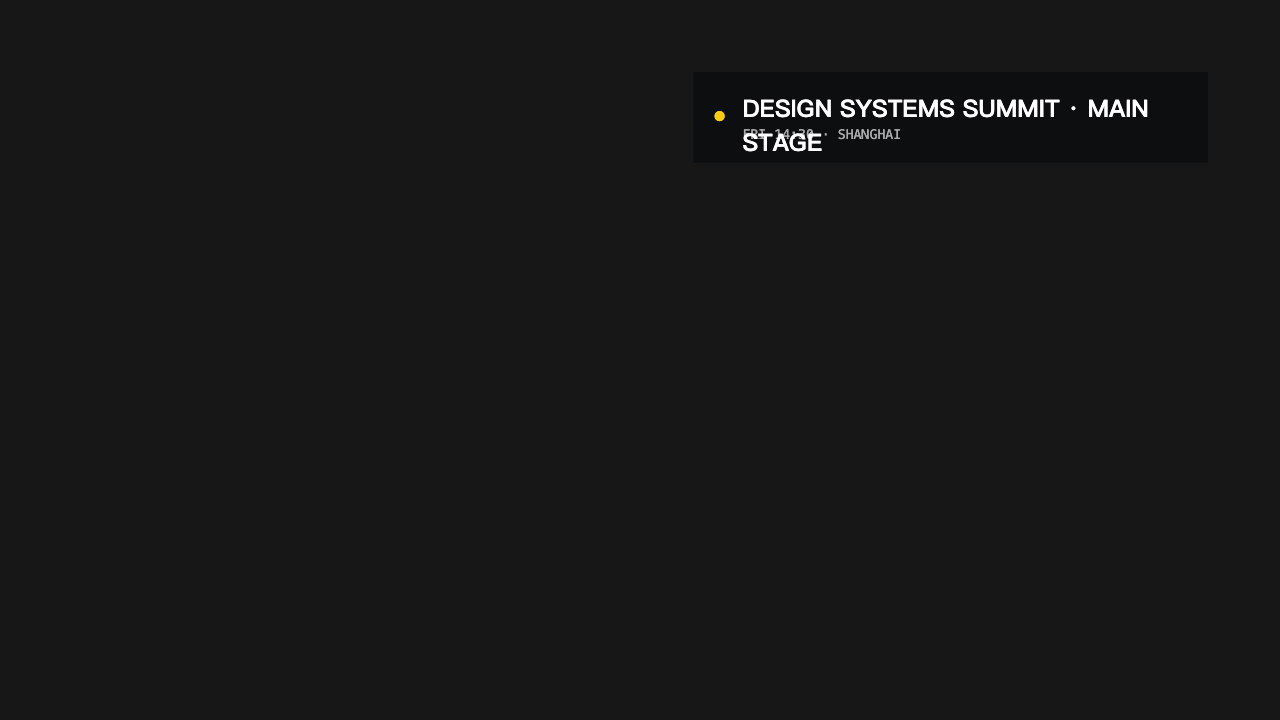
A real 16:9 export that keeps the event, stage, time, and city readable over footage.
Use case · real output
Event Video Graphics
Build speaker cards, session tags, chapter transitions, highlights, and end cards for event videos.
Built for Conference teams, webinar producers, and event editors.Real MP4 exportAn event and session identifier16:9 · 24 FPS · Built in TypeMotion.Art
Open the real editorThe actual brief
The content behind this export
This is the exact copy, format, and production choice used to generate the MP4 above—not placeholder text.
slide motion · modern typography
Workflow
A production plan tied to this deliverable
- 01
Identify the event and speaker consistently.
- 02
Mark sessions and chapter transitions.
- 03
Close with credits or the next event action.
Recommended tools
Build the complete graphics system
ToolVideo Motion Graphics Templates
Ready-to-use openers, captions, lower thirds, data callouts, promos, and end cards organized by video purpose.
ToolAnimated Title and Lower Third MakerAnimated titles, lower thirds, stamps, and kinetic title stacks for videos and presentations.
ToolOnline Text Animation MakerClassic text animation presets for typewriter, fade, flip, blur, scale, tracking, rotation, and light effects.
Start from a template
Templates that support this production
Open the actual SaaS workspace to customize the content, style, motion, and export settings.
Video CreatorEvent Tag
Event Tag is a customizable video creator template. Edit the text, colors, motion, size, and export settings directly in your browser.
Video CreatorSpeaker ProfileSpeaker Profile is a customizable video creator template. Edit the text, colors, motion, size, and export settings directly in your browser.
Video CreatorNumbered ChapterNumbered Chapter is a customizable video creator template. Edit the text, colors, motion, size, and export settings directly in your browser.
Video CreatorMinimal CreditsMinimal Credits is a customizable video creator template. Edit the text, colors, motion, size, and export settings directly in your browser.
TitlesMinimal Lower ThirdMinimal Lower Third is a customizable titles template. Edit the text, colors, motion, size, and export settings directly in your browser.
Output and workspace
The real exported frame and the real editor
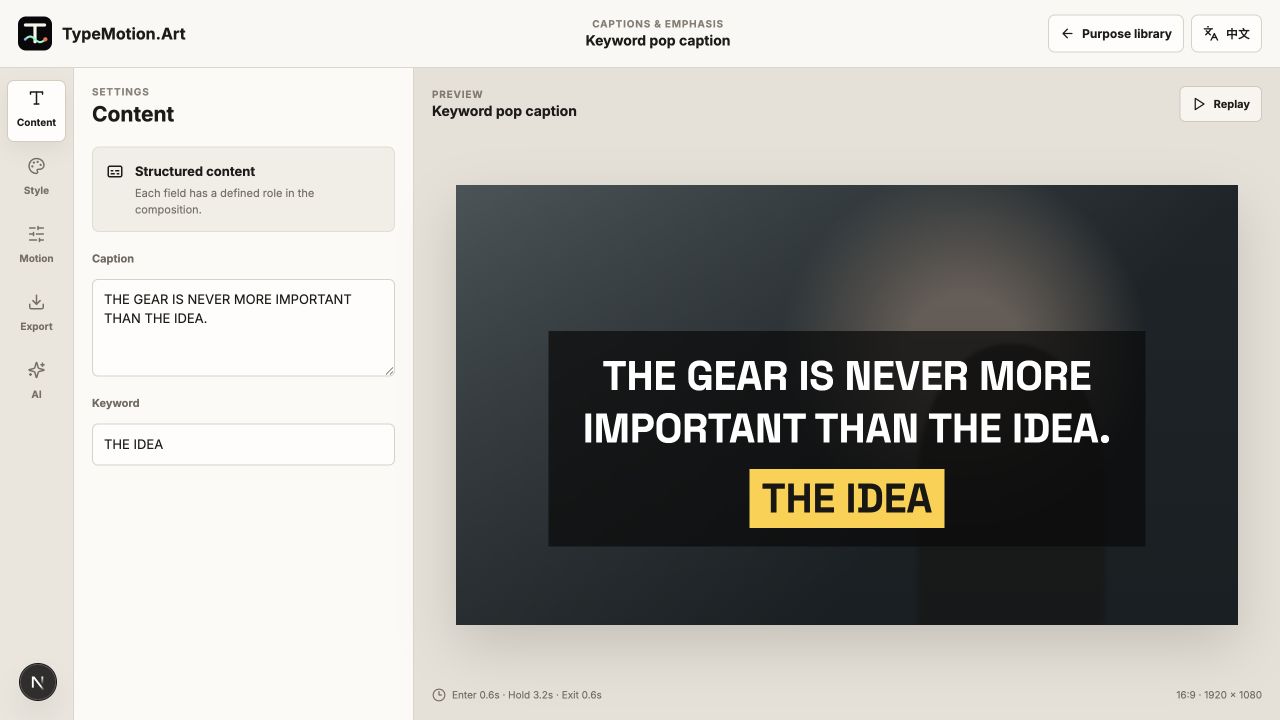
The left image is rendered from the project above. The right image is an unaltered screenshot of the current TypeMotion.Art workspace.
Learn