
TypeMotion.Art
Guide · real product workflow

How to Make Kinetic Typography

Plan, animate, and export kinetic typography that follows meaning instead of adding random motion.

Open Kinetic Typography Templates
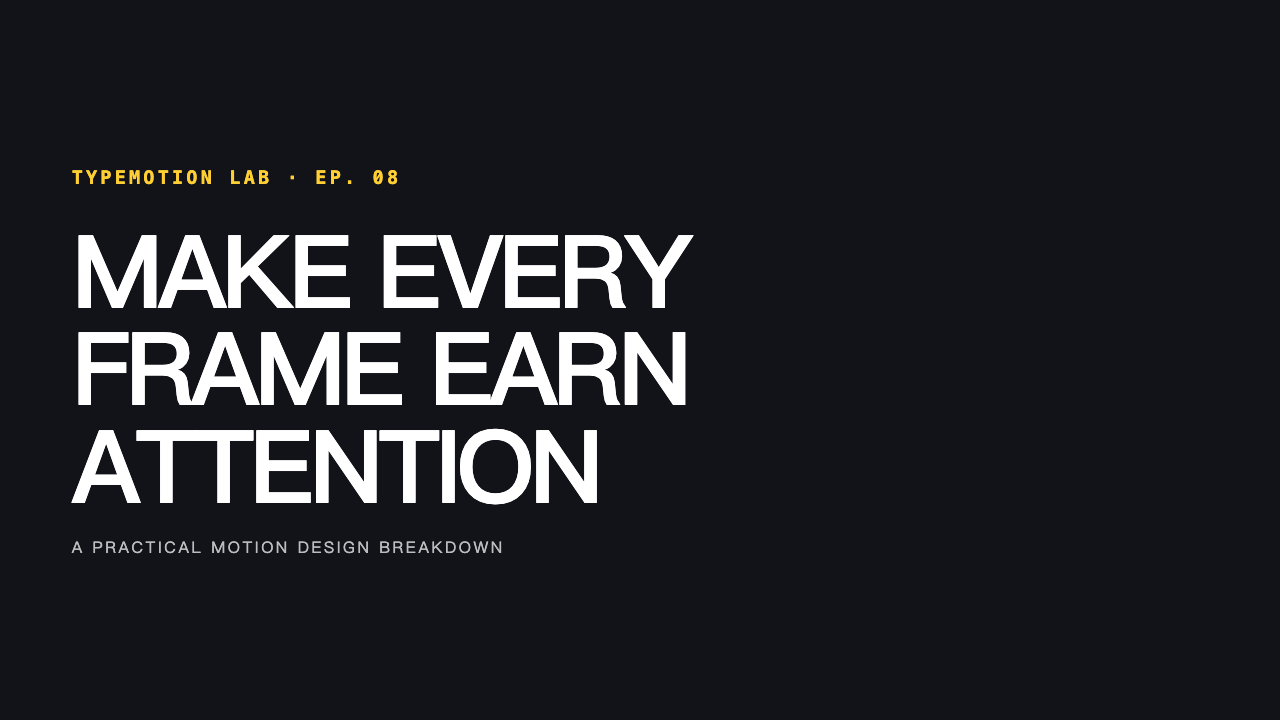
Real MP4 exportA branded YouTube episode opener16:9 · 24 FPS · Built in TypeMotion.Art
Open the real editor
01

Break the copy into beats

Rewrite long sentences as short visual phrases. Give the most important word its own beat and keep secondary words quieter so the sequence has a clear reading path.
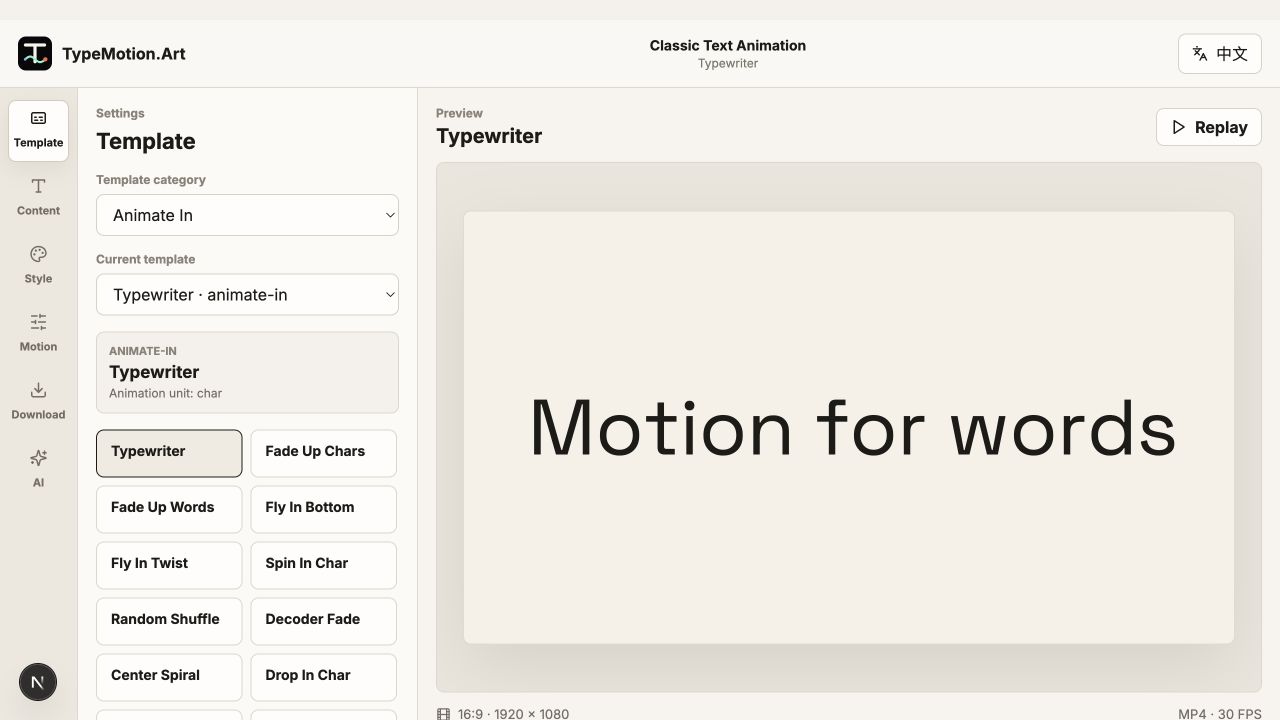
Break the copy into beats shown in the TypeMotion.Art Kinetic Text editor
Actual product UIGlideActual TypeMotion.Art editor screenshot
02

Build contrast deliberately

Contrast can come from size, weight, position, color, or speed. Choose one or two systems and repeat them instead of changing every property on every word.

Build contrast deliberately shown in the TypeMotion.Art Kinetic Text editor
Actual product UISnappy Text StretchActual TypeMotion.Art editor screenshot
03

Create a clean loop or ending

For social clips, test whether the final pose can cut back to the opening pose. For titles and promos, hold the finished composition long enough to read before exporting.
Create a clean loop or ending shown in the TypeMotion.Art Kinetic Text editor
Actual product UILooped TextActual TypeMotion.Art editor screenshot
Try it

Templates used in this guide

Each link opens the working SaaS editor rather than a decorative demo card.

Finished result

A real export built with this workflow

A branded YouTube episode opener exported frame
Exported video frameA branded YouTube episode opener16:9 · kinetic-word-opener
Apply the workflow

Related use cases